If you are a video creator or a remote professional, you know that a teleprompter is no longer a luxury—it’s a necessity. But with so many options, which one should you choose? Today, we are pinning the industry heavyweight SpeakFlow Vs the agile, browser-first GoTeleprompt.
Whether you’re recording a 60-second TikTok or a 30-minute keynote, here is the breakdown of how these two tools compare.
1. Access & Ease of Use
The biggest hurdle for most creators is the “Login Wall.”
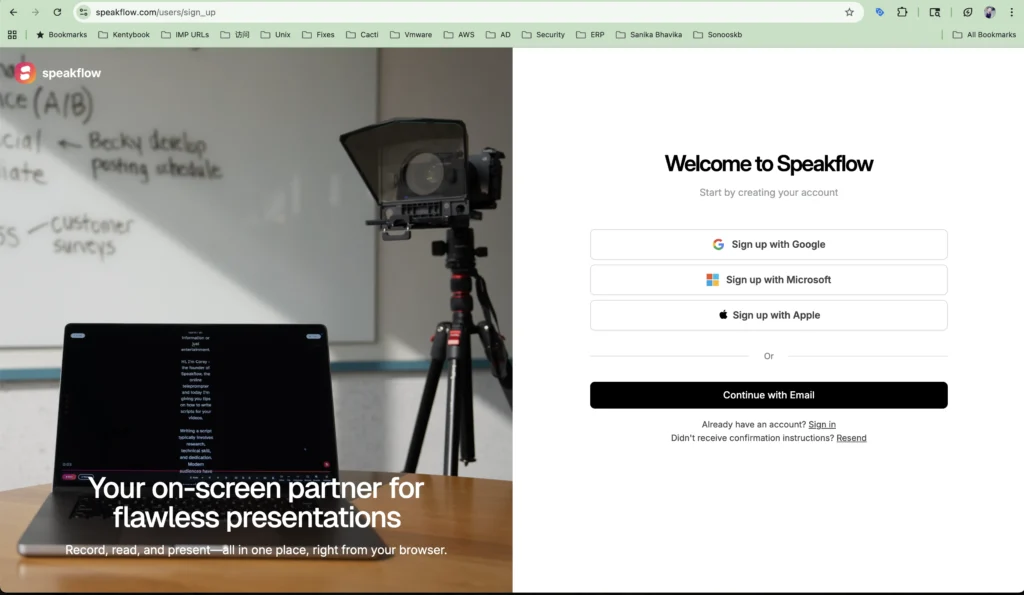
- SpeakFlow: Requires you to create an account and sign in before you can even test the prompter interface. This can be a friction point if you are in a rush to record.
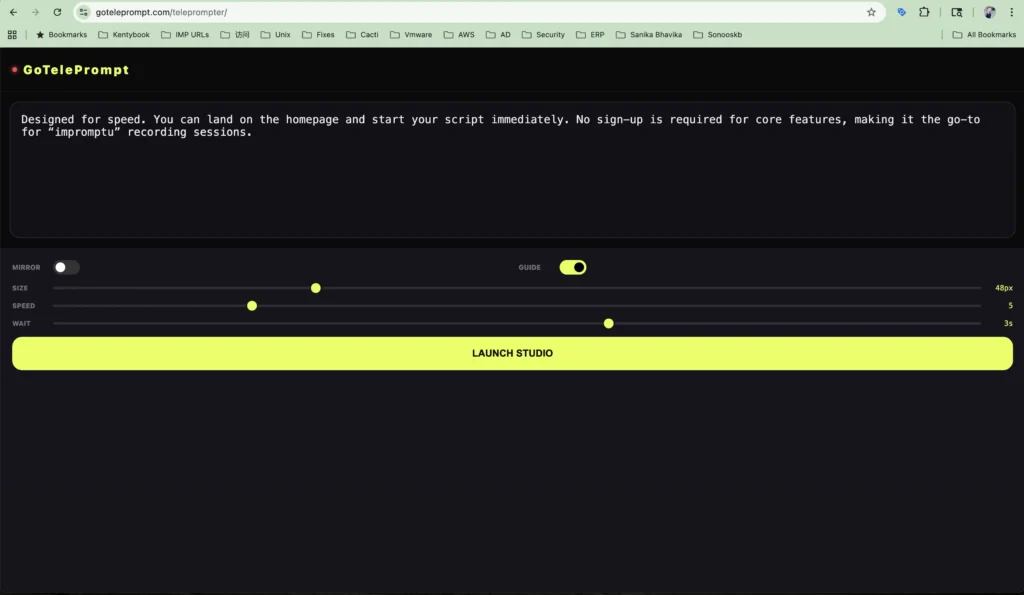
- GoTeleprompt: Designed for speed. You can land on the homepage and start your script immediately. No sign-up is required for core features, making it the go-to for “impromptu” recording sessions.
2. Core Features & Customization
Both tools offer professional-grade features, but they cater to different workflows.
| Feature | SpeakFlow | GoTeleprompt |
|---|---|---|
| Voice Sync | Yes (Paid/Pro) | Yes – available from April-2026 |
| Mirror Mode | Yes | Yes |
| Vertical Mode | Standard | Optimized for TikTok/Reels |
| Multi-Device Sync | Yes | Yes (Via Web Share) |
| Offline Mode | Limited | Browser-Cached |
3. Remote Collaboration & Teamwork
- SpeakFlow excels in team environments. It allows multiple users to sync their screens, which is great for large studio productions where a dedicated operator controls the script for talent.
- GoTeleprompter is optimized for the Solo Creator. While it supports remote control, its interface is streamlined to help one person manage the script, the camera, and the recording all at once.
4. Pricing: The Bottom Line
- SpeakFlow: Operates on a subscription model. While they offer a limited free tier, most advanced features (like Flow mode or certain export options) require a monthly fee, often starting around $10–$15/month.
- GoTeleprompt: Follows a “Freemium” or “Free-First” philosophy. Our goal is to keep professional tools like Mirror Mode and Voice Scrolling accessible to everyone without a recurring subscription.
5. Vertical Video Support (TikTok/Reels)
With the explosion of short-form content in 2026, vertical support is critical.
- SpeakFlow offers a vertical layout, but it can feel like a desktop app squeezed into a phone screen.
- GoTeleprompt features a dedicated “Mobile Safe-Zone” mode, ensuring your text never gets cut off by the TikTok UI or Instagram buttons.
The Verdict: Which should you choose?
Choose SpeakFlow if:
- You work in a large production team with multiple stakeholders.
- You need deep project management and script versioning history.
- You have a monthly budget for software subscriptions.
Choose GoTeleprompt if:
- You want to start promping immediately without an account.
- You are a solo creator filming for YouTube, TikTok, or LinkedIn.
- You need a lightweight, lightning-fast tool that doesn’t lag your browser.
- You prefer a tool that doesn’t hide essential features behind a paywall.
Ready to try the faster alternative?
Experience the difference of a no-lag, no-signup prompter today.